

Issues sofort finden
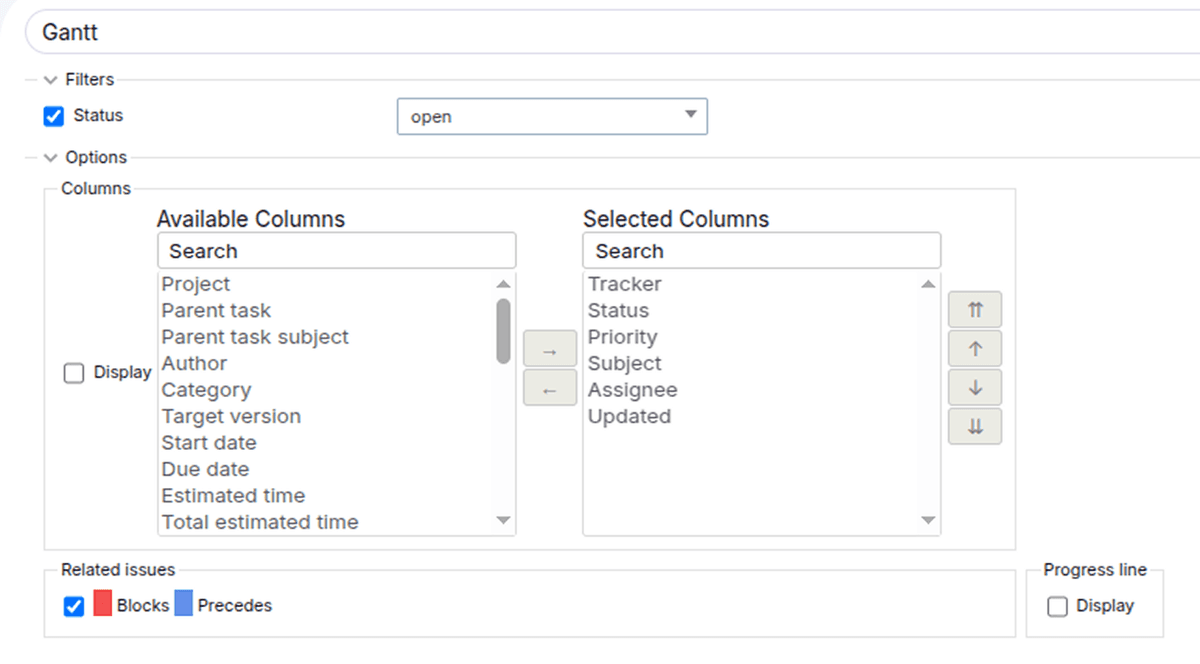
Das plugin beschleunigt die Issue arbeit - suche in beliebigen spalten und passen sie listen über selektoren an. Komfortabler als die standardsuche für teams.
Demo
Schauen Sie sich alle Funktionen unserer Plugins in der Demo an
Sonderangebot


Changelog
Version 1.4.2
22.07.2026Hinzugefügt
- Kompatibilität mit Redmine 7.0 [33903].
- Kompatibilität mit Redmine 6.1 [33282].
Behoben
- Filterparameter wurden beim Deaktivieren und erneuten Aktivieren nicht entfernt [32793].
- Die Möglichkeit, beliebige Werte in multiple select2 einzugeben, wurde entfernt [33757].
Version 1.4.1
23.12.2025Behoben
- Lange URLs [31795].
Kompatibilität
- Redmine5.1 - 7.0
- WebbrowsernChrome, Firefox, Safari, Edge
- DatabasesMySQL 5.7, MySQL 8.0, PostgreSQL 14-16, SQLite
- Plugins advanced_charts, appearance_custom, additional_tags, additionals, module_manager, periodic_reminder, periodictask, redmine_advanced_checklists, redmine_app_notifications, redmine_banner, redmine_impersonate, redmine_issue_dynamic_edit, redmine_issue_templates, redmine_kanban, redmine_local_avatars, redmine_searchable_selectbox, redmine_theme_changer, redmine_wysiwyg_editor, user_group_editor, view_customize